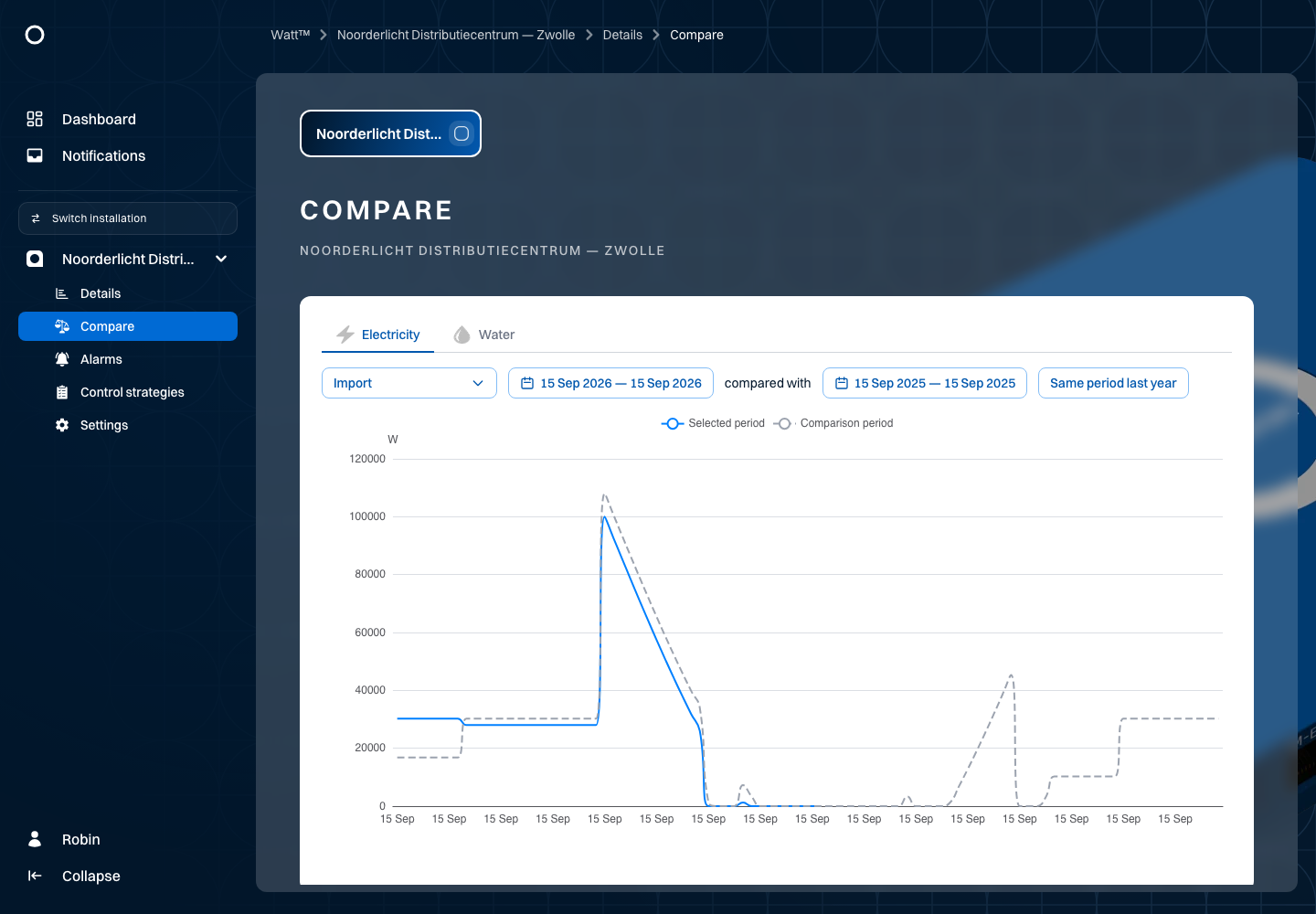
Compare two periods
Use Compare to investigate differences between two periods for the same measurement point. For example, compare electricity consumption at Noorderlicht Distributiecentrum — Zwolle on two working days.
- Open Compare for Noorderlicht Distributiecentrum — Zwolle.
- Choose an energy type and one measurement point.
- Set both periods.
- Review the chart. Watt determines the interval from the selected period.
You compare the same measurement point over two periods. Choose the main period, then a start date for the comparison; Watt uses the same length for both periods. Same period last year selects that comparison directly. Check labels and units before interpreting a difference.
Location usage, weather or missing measurements may explain differences. The chart shows the difference; it does not automatically determine the cause. Use Details to investigate further.