Review your locations
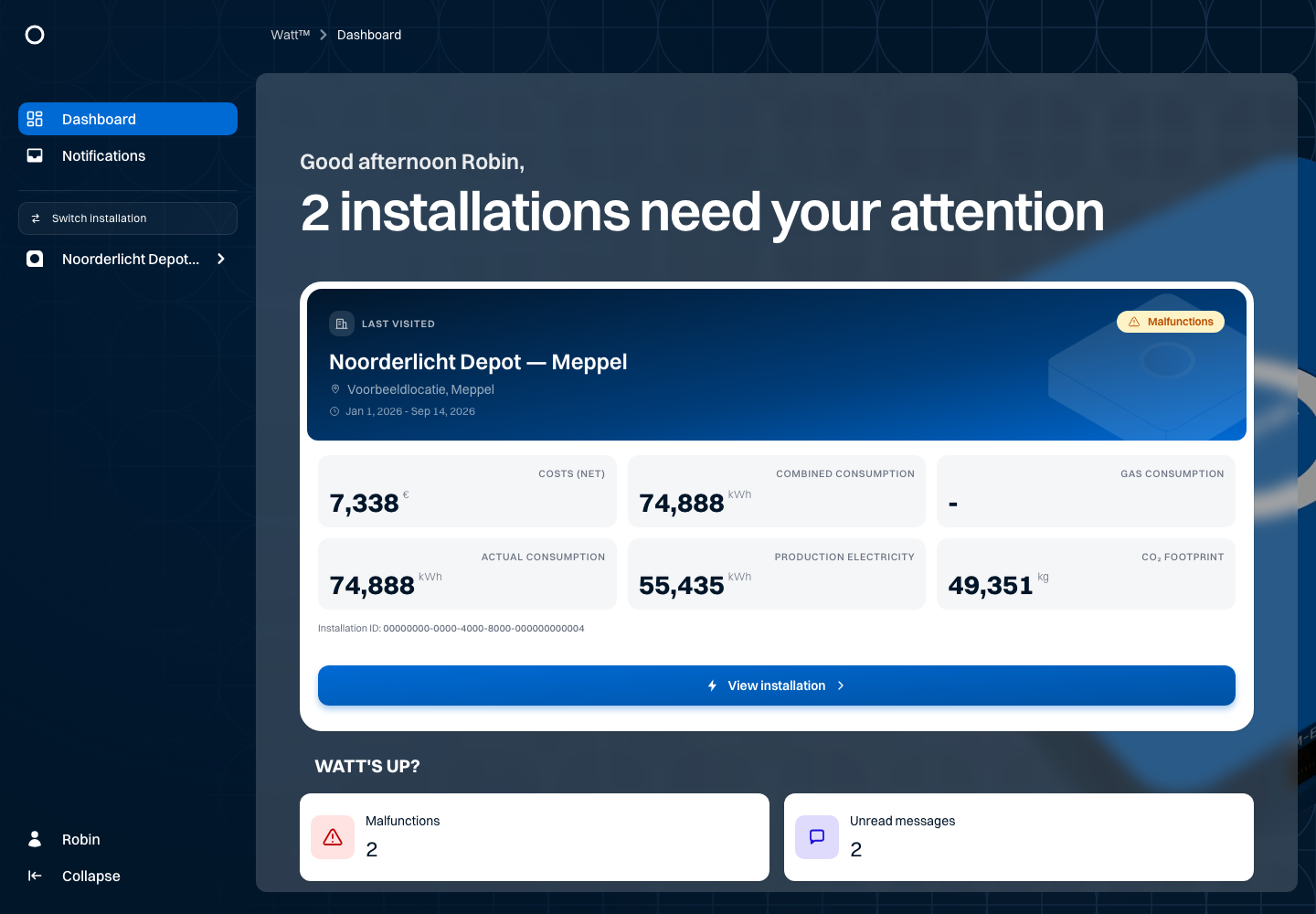
The portfolio lists the installations your account can access. Find a location and open its data. The Noorderlicht example contains four locations, including the distribution centre in Zwolle.
- Open the installation overview in the navigation.
- Search or filter for the location you want to review.
- Open Noorderlicht Distributiecentrum — Zwolle.
- Check the installation name before changing settings or exporting data.
The sidebar opens the sections of the selected installation. Messages are part of the central notifications overview, where you can filter by installation. If you can access only one installation, navigation may take you straight to that location.
Use the available map or list view to find locations. An unread message and a malfunction mean different things: a message contains information; a malfunction concerns the status of connected equipment.
Continue with reviewing an installation.