Review malfunctions
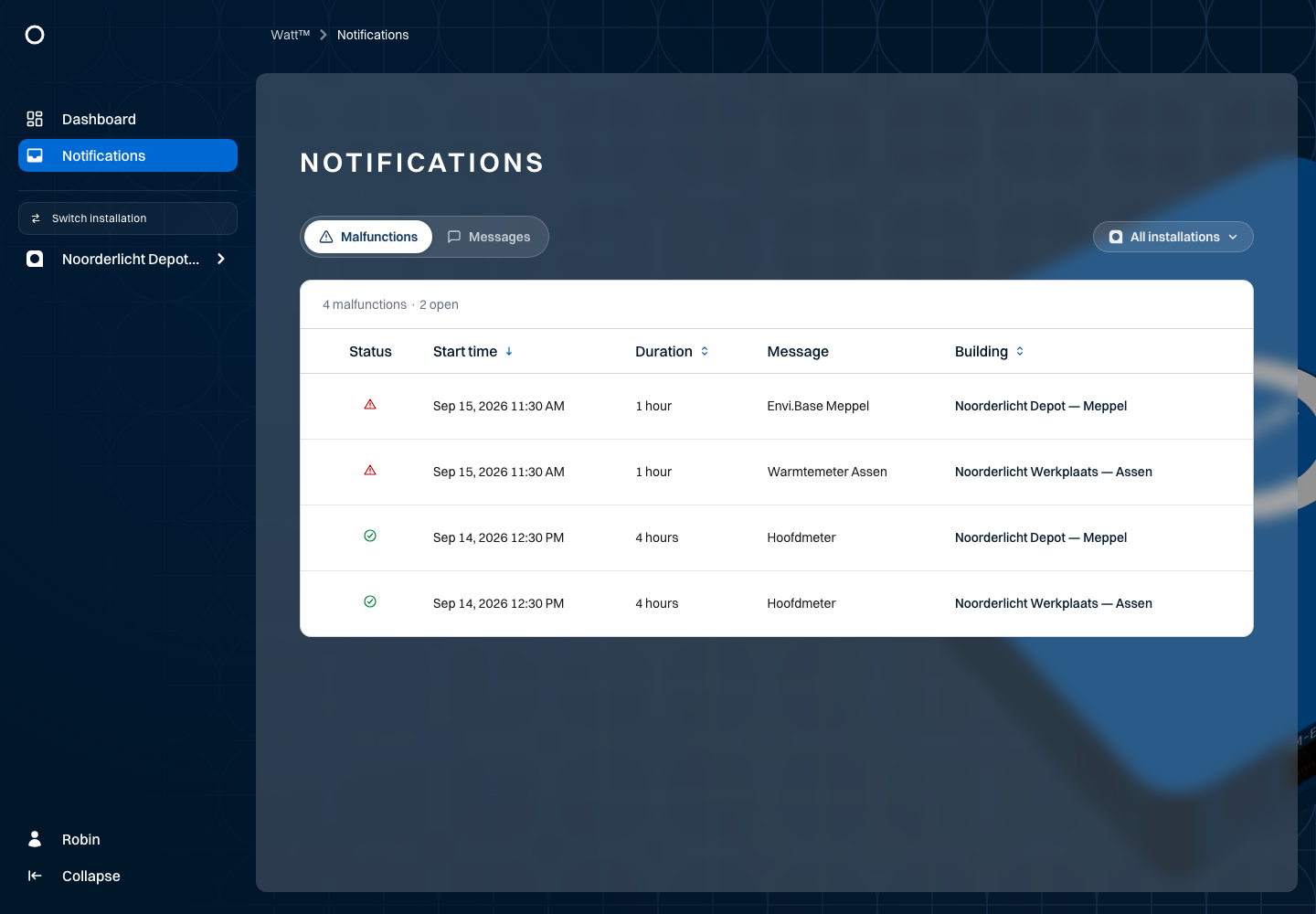
Use the malfunctions tab to investigate communication problems with connected equipment. In the Noorderlicht example, a measurement device in Assen is unreachable and the Envi.Baseenvi.baseDe energiecontroller van Envitron die apparaten uitleest, aanstuurt en data opslaat achter de hoofdaansluiting. connection in Meppel is interrupted.
Open the notifications overview, select malfunctions and filter for the installation. Check the object name, start time and any resolution time. A historical, resolved malfunction is different from a current one.
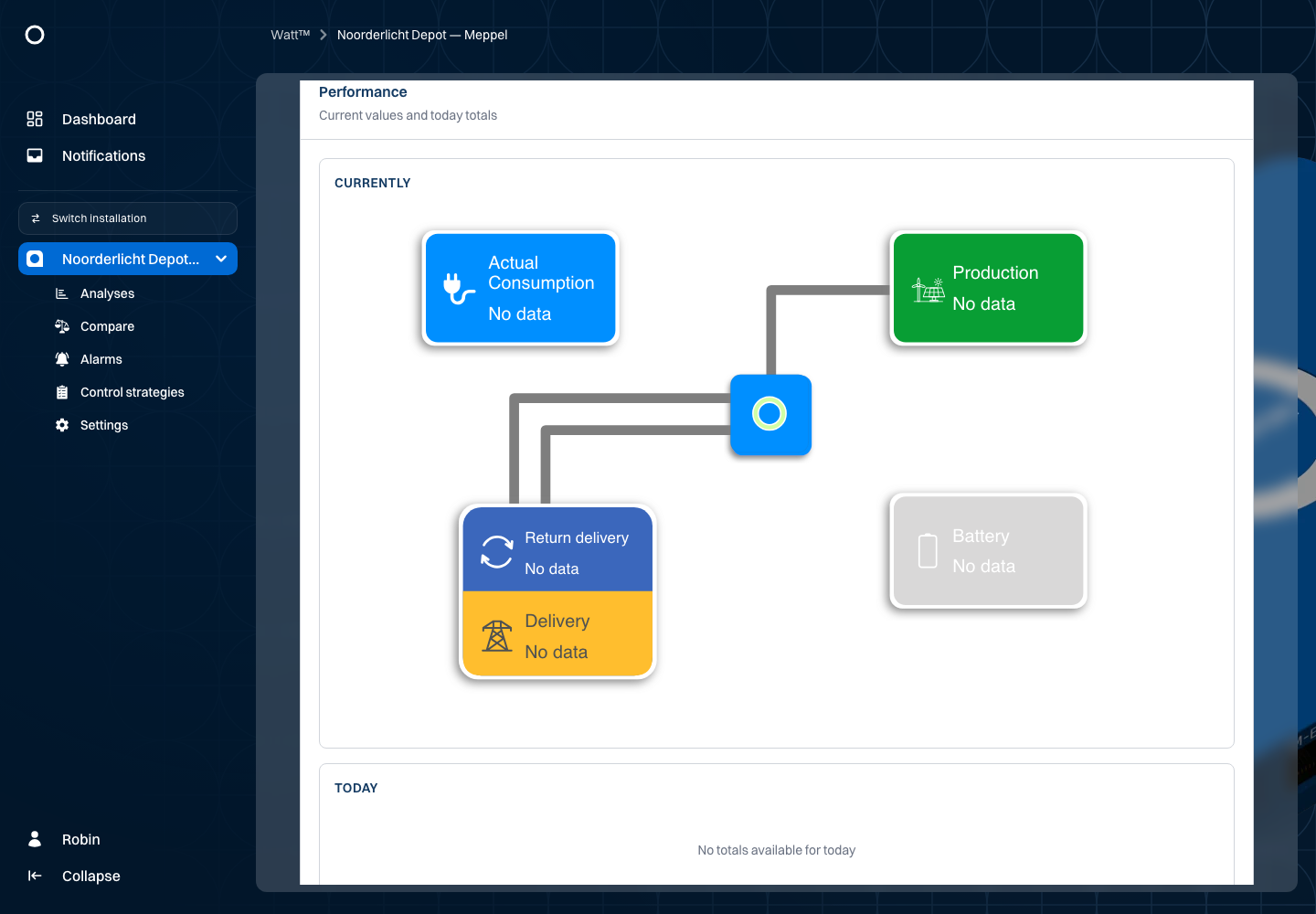
Follow the available troubleshooting link for practical checks. Offline status indicates missing communication; the screen does not prove the physical cause. Also check the last measurement time. Do not treat old values as current measurements.
Viewing a malfunction or reading a message does not automatically resolve the equipment problem. If needed, contact your usual support contact and include the installation, object name and time.