Installation settings
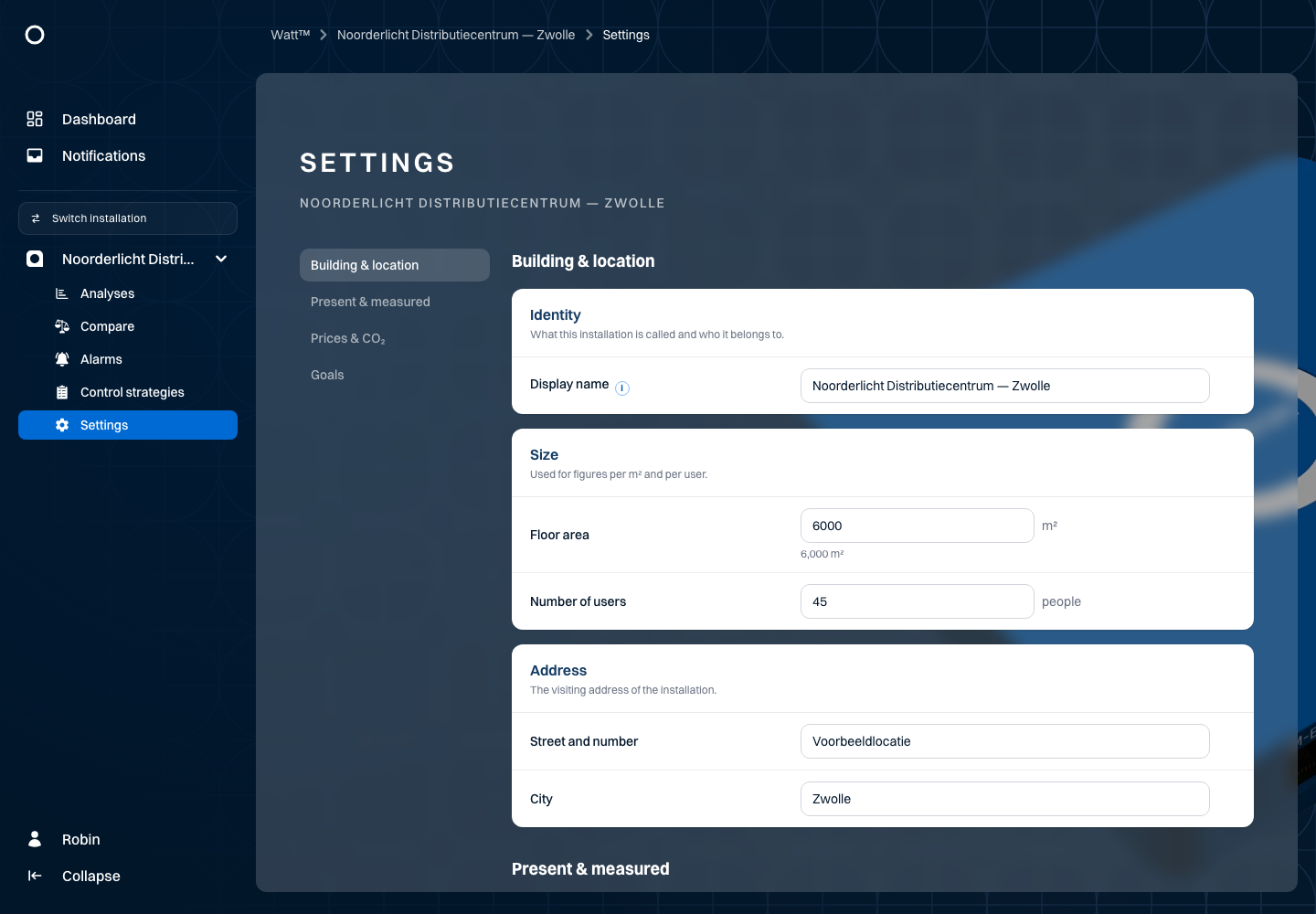
Use Settings to review and manage available installation details, prices, targets and comparison values. The example uses Noorderlicht Distributiecentrum — Zwolle.
Open Settings for the installation. Visible fields depend on your access and the installation configuration. Review the available location details, user count, prices, targets and comparison values.
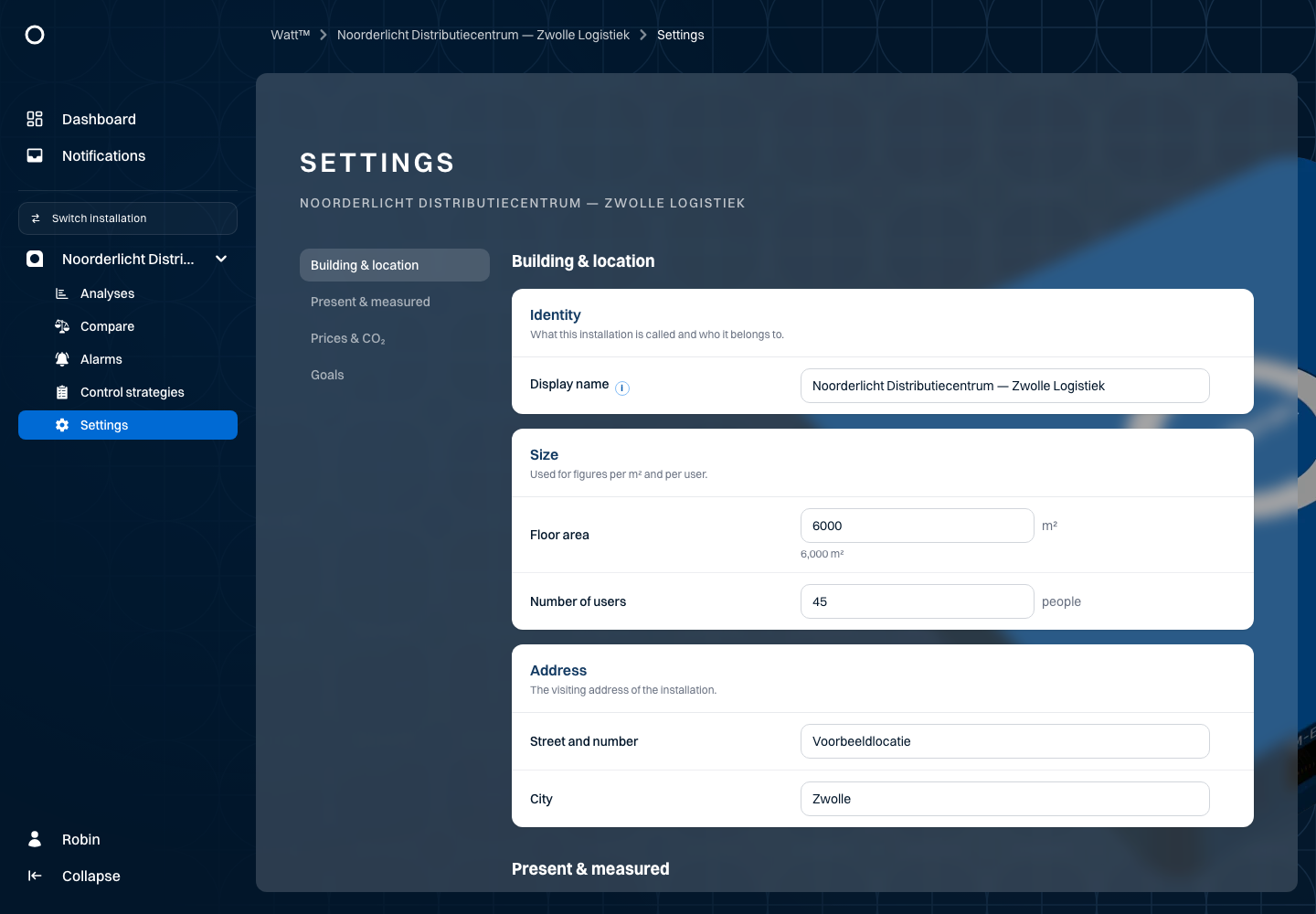
For example, change the displayed name or an available target value. Select Save to store changes. Use the discard control if you do not want to keep them. Review any field errors and reopen the page to confirm the saved result.
Targets and reference values affect the meaning of the status overview. Use the same yearly period and measurement unit when comparing values. Noorderlicht's example prices belong to the example dataset; enter the applicable values for your own location.