Export measurement points
For sensor selection, table and downloads, open the Old details screen from Analyses. Use this when you need to pick measurement points and download Excel or quarter-hour CSV. For most investigation questions, stay on Analyses.
- Open Analyses for Noorderlicht Distributiecentrum — Zwolle.
- Choose Old details screen.
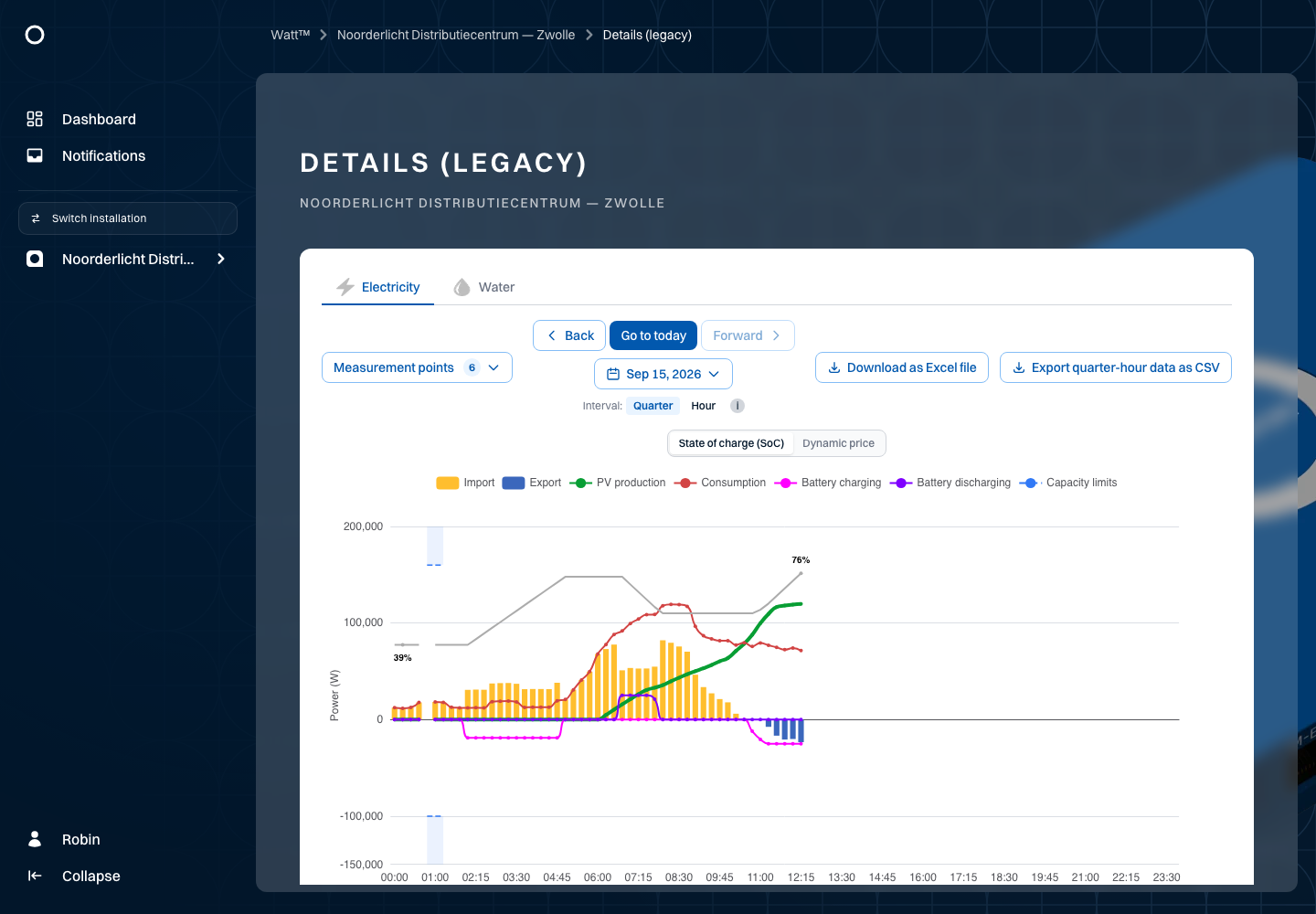
- Choose the energy type, measurement points, period and an available interval.
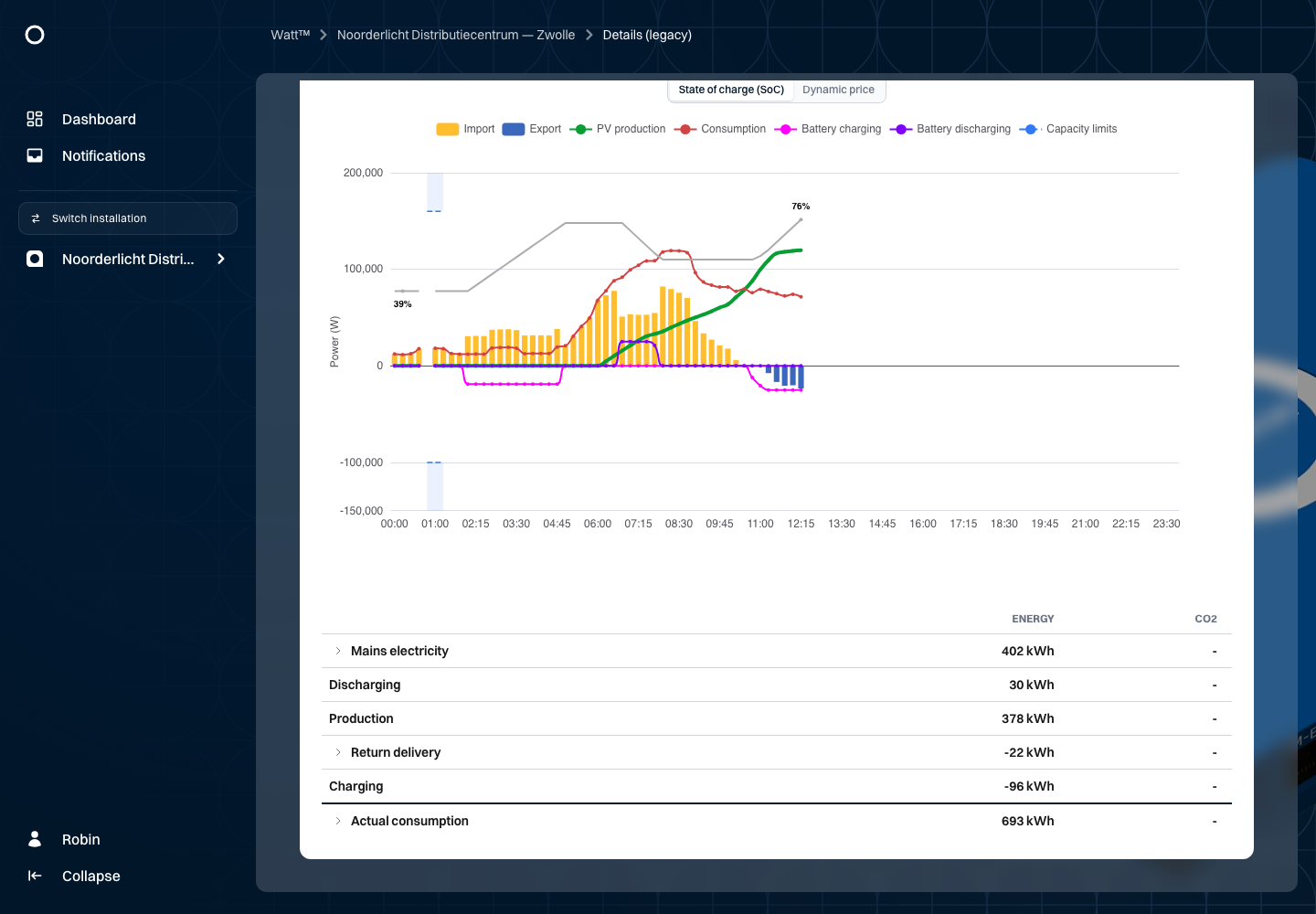
- Review the chart and its table. Use the legend and pointer to identify values.
For example, select electricity on 15 September 2026. You can review morning demand, increasing PV production and battery charging. The table summarises the selected period. Gas, heat and water are available only when the location has those measurement types.
Downloads
The Excel download uses the selected measurement points and period. Electricity also has a quarter-hour CSV export. Choose the dates for this export; it supports a maximum of 366 days. Wait until the download completes. A failed or cancelled export does not provide a verified complete file.
After downloading, check the period, measurement points and units. Use Compare to investigate one measurement point over two periods, or return to Analyses for the overview charts.
Other energy types
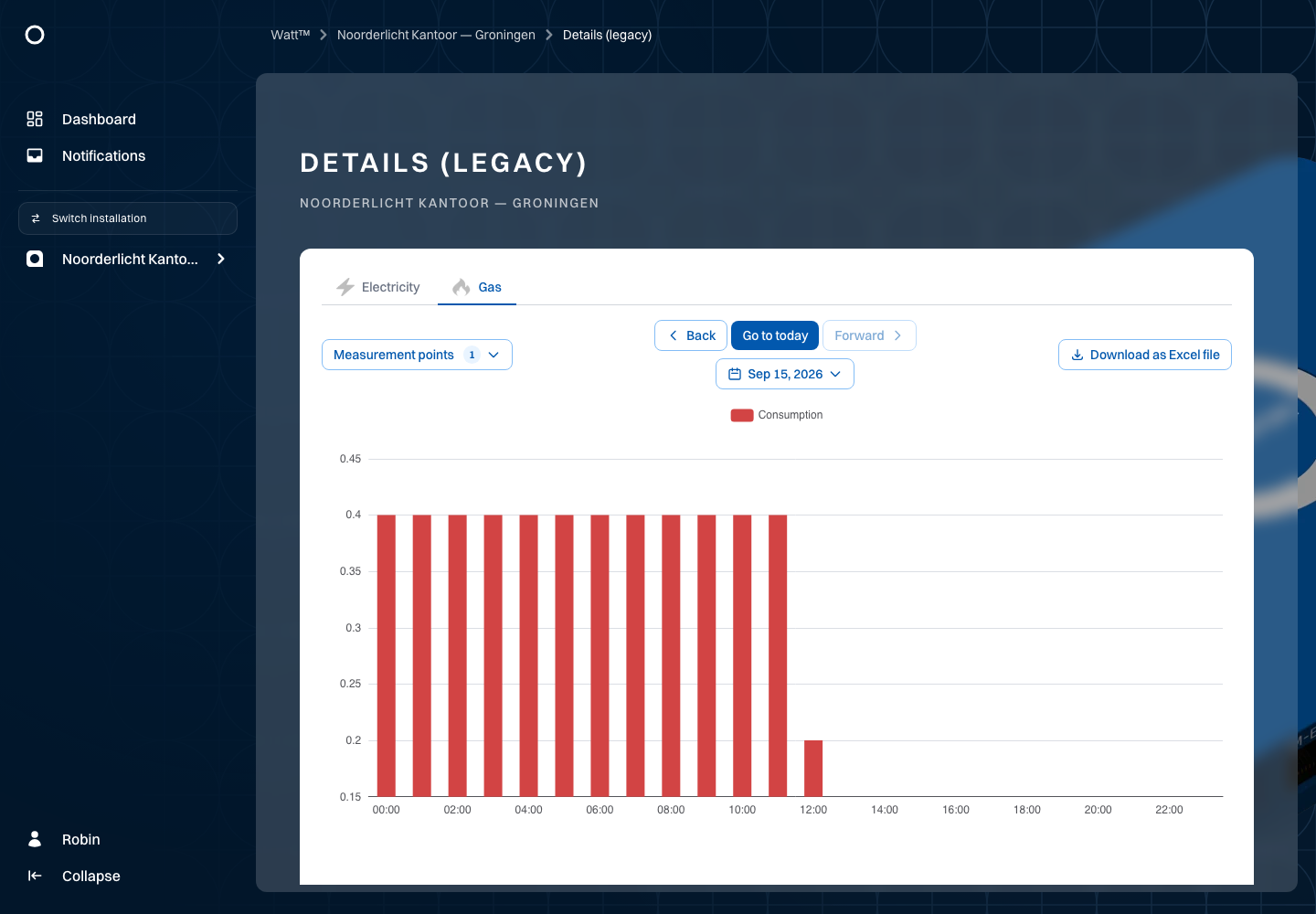
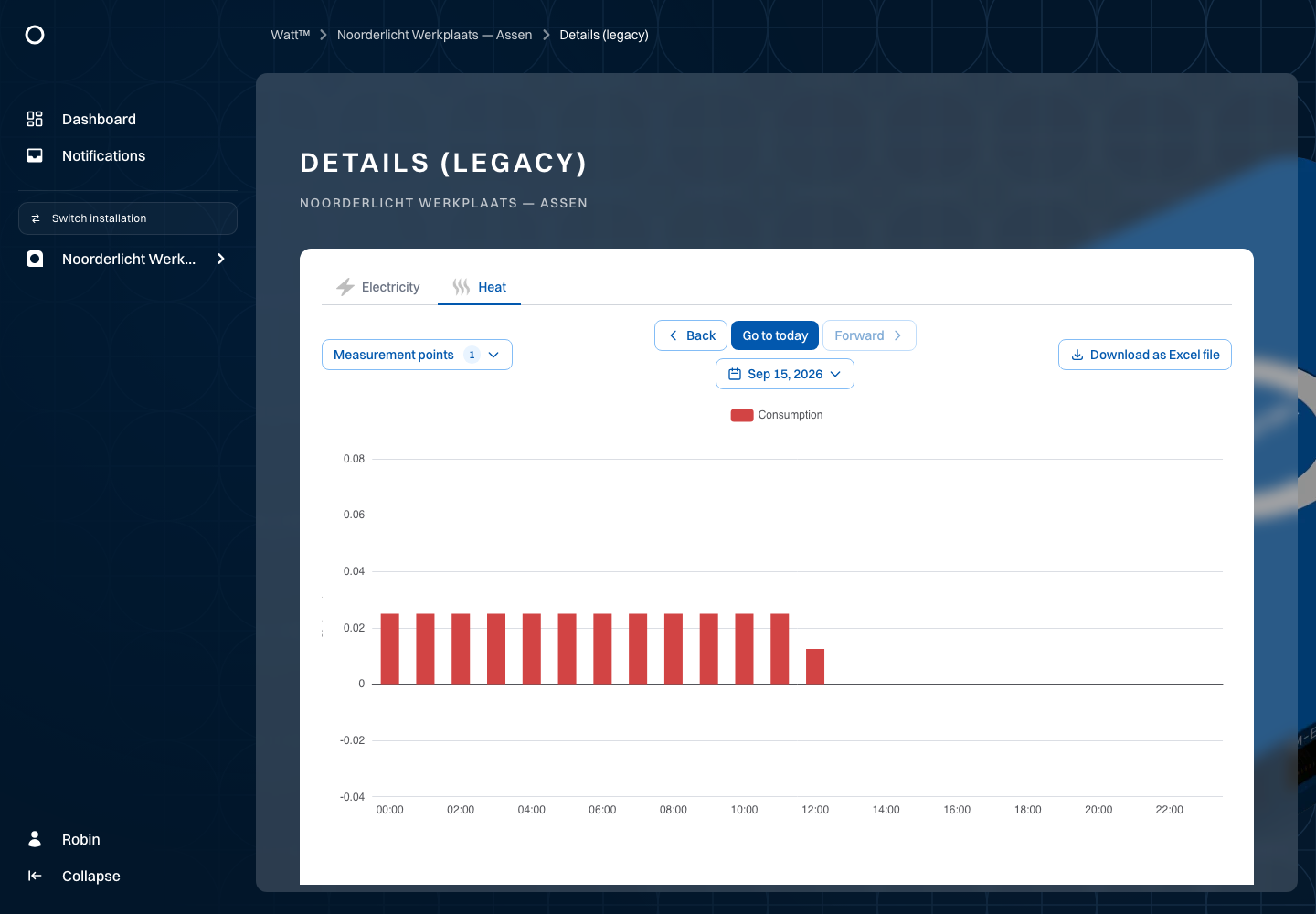
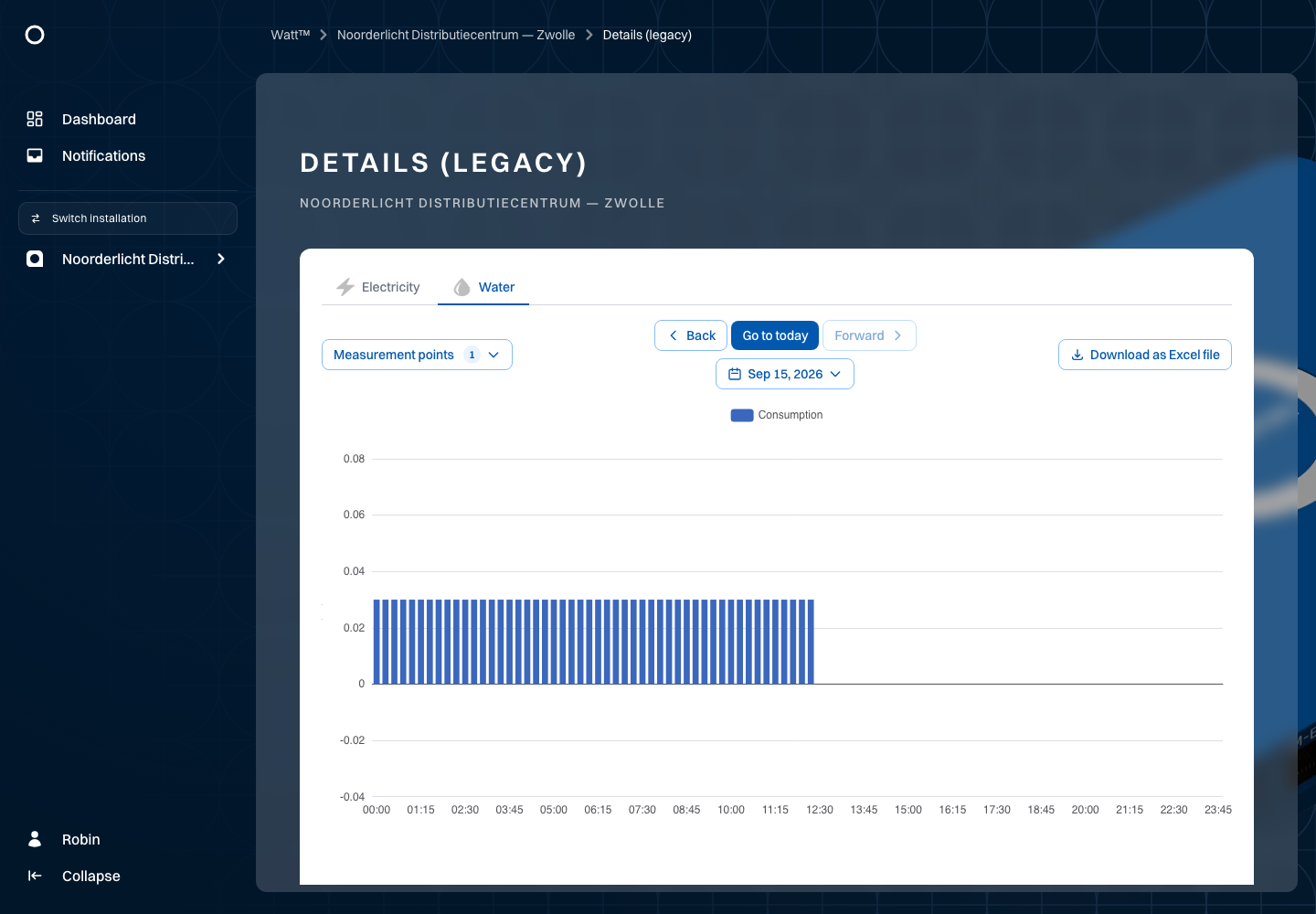
The example locations include gas measurements for the Groningen office, heat measurements for the Assen workshop and water measurements for Zwolle. Select the corresponding tab to investigate those data. Tabs follow the selected installation's measurement capabilities. Always check the unit: gas and water are volume measurements, while heat uses GJ in this example.