Read messages
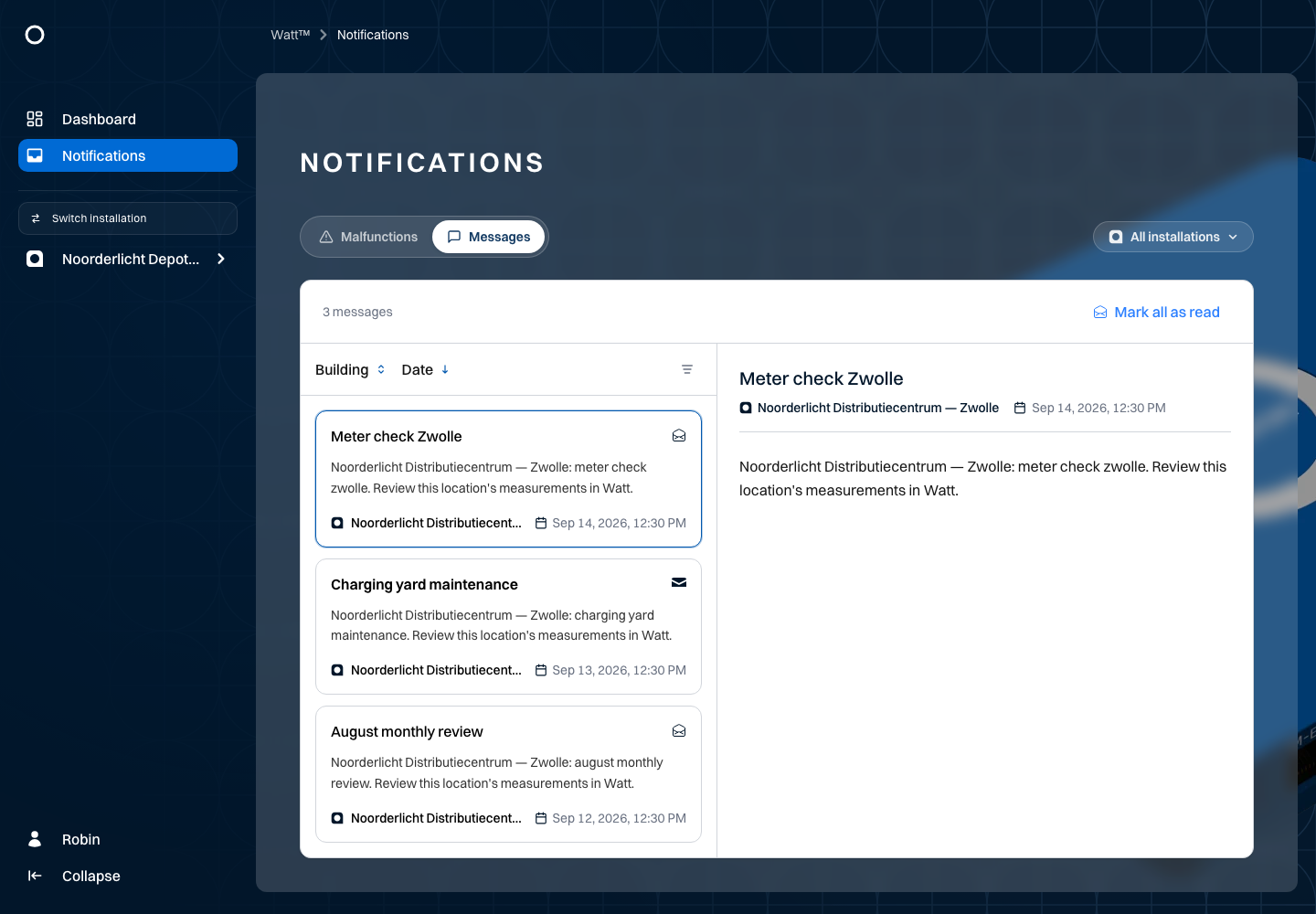
Read messages through the messages tab in the central notifications overview. The Noorderlicht example contains two unread messages about Zwolle.
- Open the messages tab.
- If needed, filter for Noorderlicht Distributiecentrum — Zwolle.
- Open Meter check Zwolle and read its content.
- Use the read/unread control to change its status.
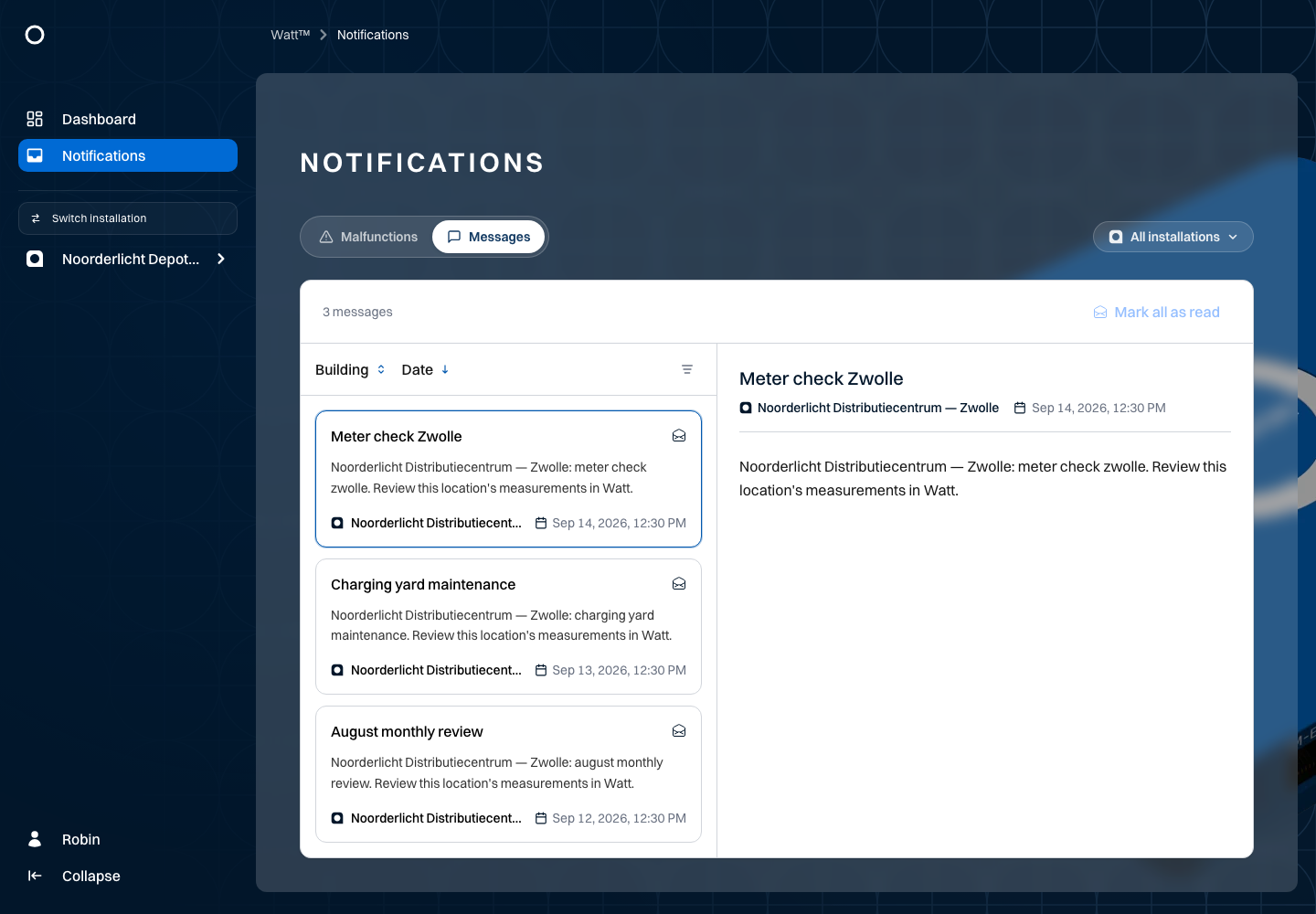
The unread count follows message status. Mark all as read marks messages within the current scope as read. Check your installation filter before using it. Reading a message does not change measurement data or device status.
Use pagination when there are more messages. See Malfunctions for equipment notifications.