Alerts and email preferences
Use alerts to set energy-consumption thresholds for an installation. The example uses Noorderlicht Distributiecentrum — Zwolle.
Add an alert
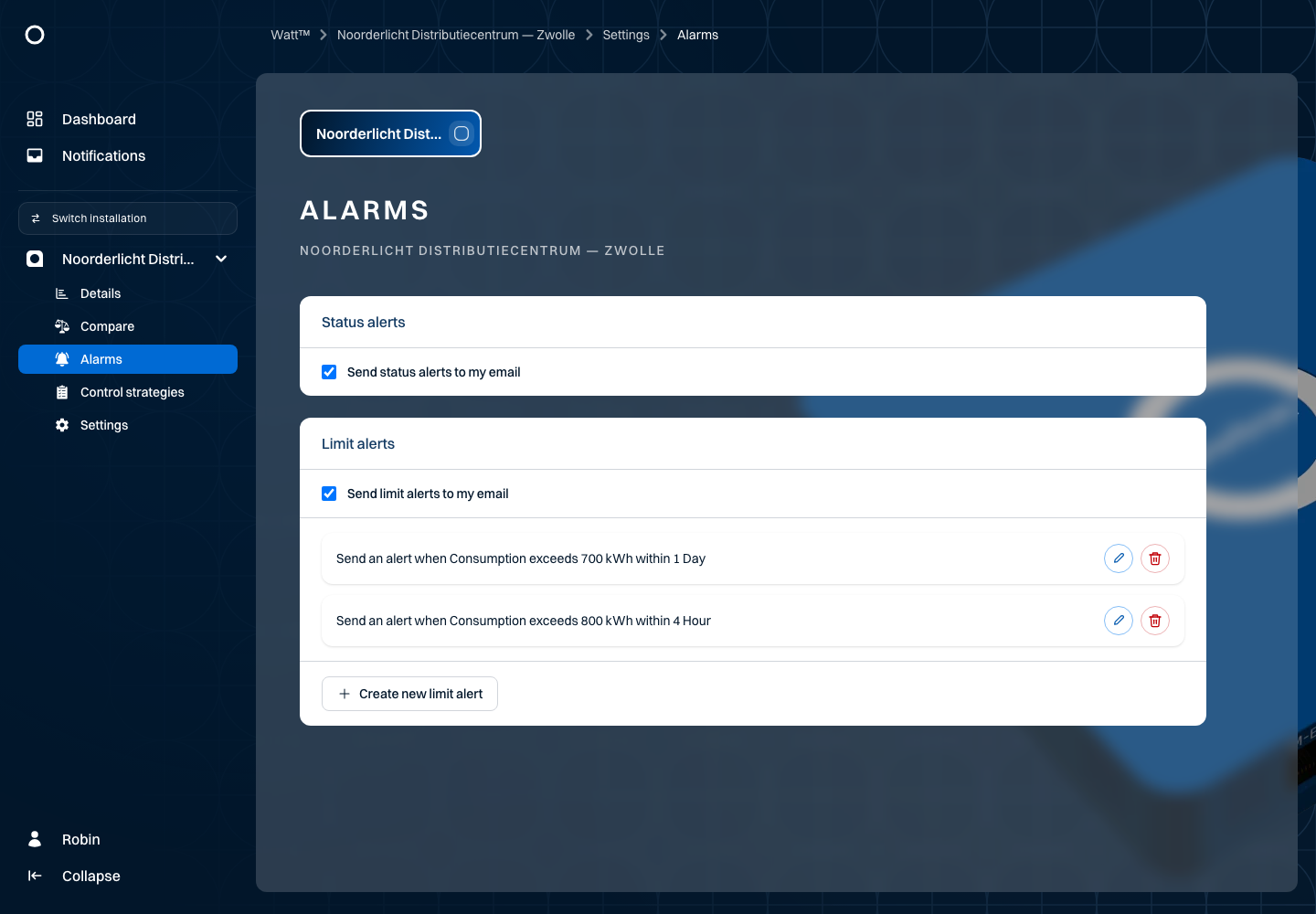
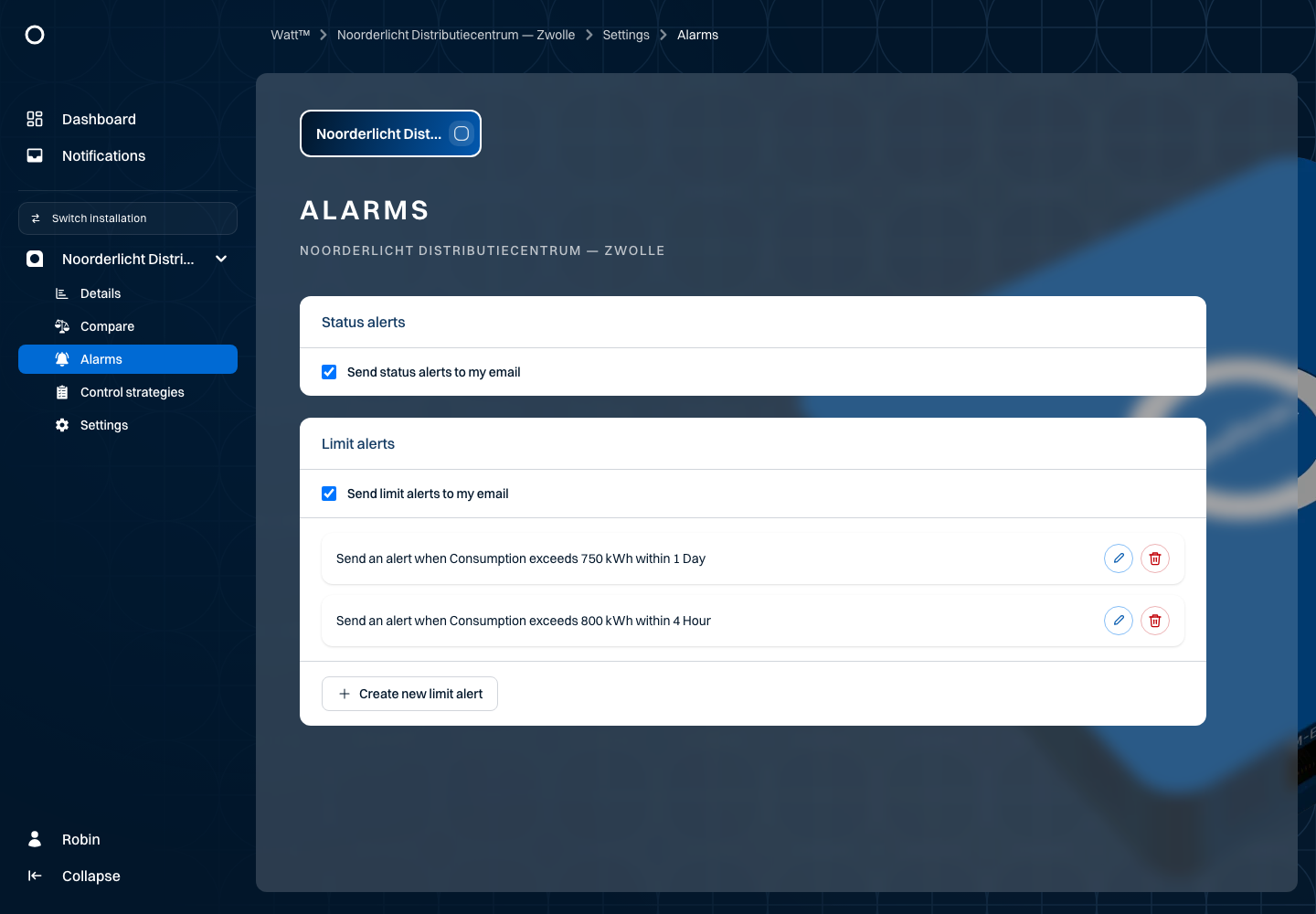
Open Alerts for the installation and select the new limit alert control. Choose an energy type and measurement point. Enter a threshold in the displayed unit, select the period and save. Check that the new alert appears in the overview.
For example, use 700 kWh of electricity consumption within one calendar day. This is an example value, not a recommended threshold for your own location. kWh measures energy; a kW power limit is a different quantity.
For hours, choose a duration from 1 to 23. For day, week or month, choose one calendar period. Use Edit to change threshold and duration, or Delete to remove an alert.
Email
The limit-alert and status-notification preferences belong to your user account. They are not limited to the installation you are currently viewing. Check the switches and saved result.